


Unitech ELauncher 3.0 Brings App Control to a Second Display
ELauncher 3.0 brings its customizable interface and app access controls to an external monitor with Second Display Support, giving teams more flexibility to work with business apps.
What’s New in ELauncher 3.0?
ELauncher 3.0 introduces Second Display Support for selected Unitech Android devices, giving teams more ways to view and work with business apps on an external monitor.
Choose Mirror Mode or Desktop Mode, or use a Duo Displays configuration within Desktop Mode to display different interfaces on each screen.
Mirror Mode
Show the mobile device screen on an external monitor for easier viewing, training, and demonstrations.
Desktop Mode
Work with multiple app windows, a taskbar, keyboard, and mouse through a desktop-like ELauncher interface.
Duo Displays Configuration
Keep the Android home screen on the mobile device while running the ELauncher Desktop interface on an external monitor.
How Does ELauncher Keep Devices Focused on Work?
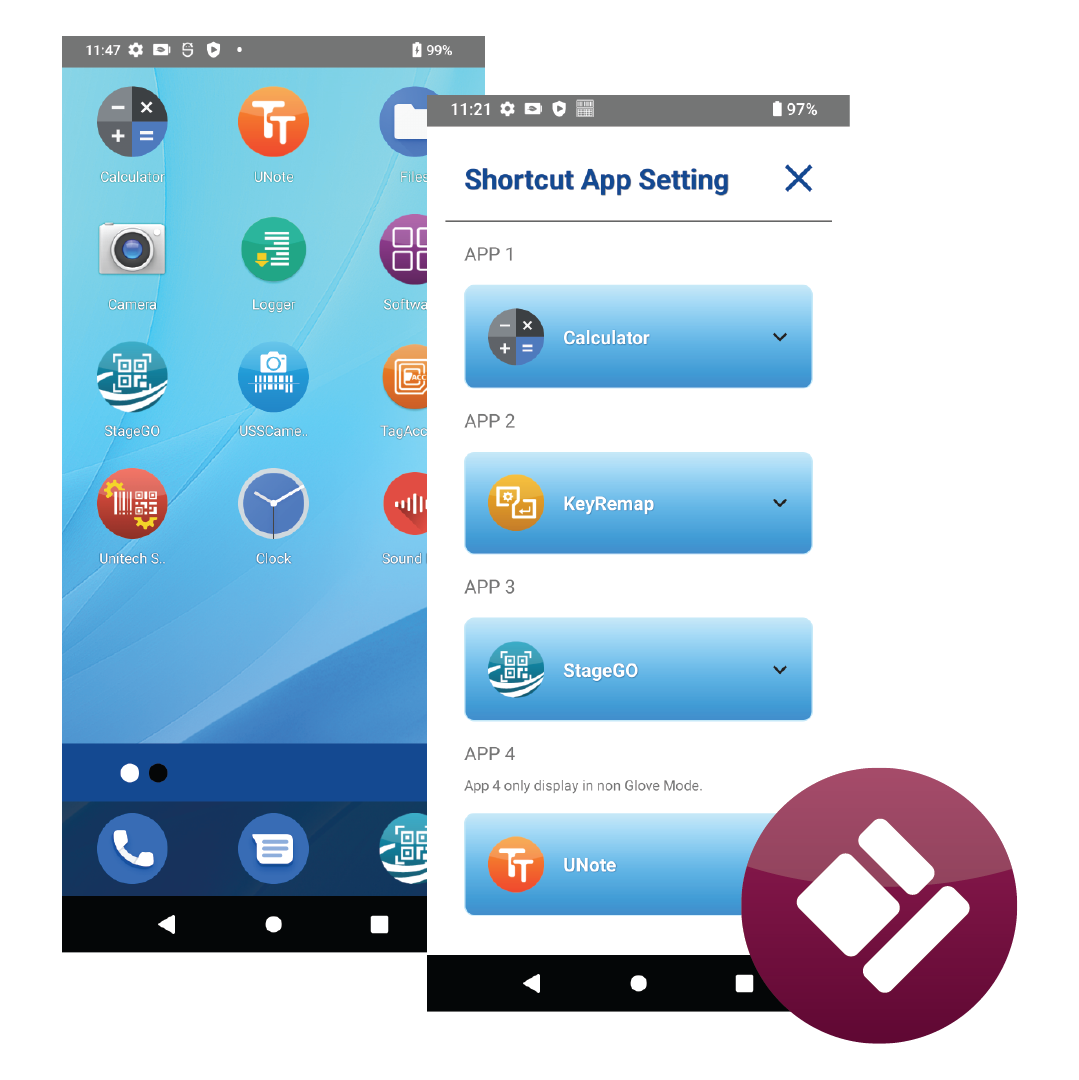
ELauncher combines customizable interfaces with app access controls, giving employees access to approved apps based on their roles.
Administrators can organize approved applications and restrict access to selected settings and system functions, helping teams stay focused on daily tasks.
Key Benefits of Elauncher 3.0 for Businesses
From Mobile Tasks to Larger-Screen Workstations
Connect supported mobile devices to an external monitor to meet the needs of both on-site work and workstation tasks.
Put Work Apps Within Easy Reach
Use Launcher and Kiosk controls to help employees find approved applications and stay focused on daily tasks.
Reduce Unwanted Changes. Keep Work Moving
Restrict access to settings and system functions to help prevent unauthorized changes from disrupting work.
Familiar Interfaces. Faster Onboarding
Give employees in the same role a consistent, customized interface, helping them find work apps easily and get familiar with the device faster.
ELauncher 3.0
Flexible Displays. Focused Workflows.
Customize device interfaces, control app access, and extend workflows to a second display.