


FAQ Corner
How to Factory Reset the WD200 Plus Using Hardware Keys
Learn how to restore the WD200 Plus to its factory settings by entering Android Recovery Menu with the Programmable Key and Power Key.
Please click the picture for more details!
 Hi, I'm UU.
We use cookies to improve your experience. Click Accept All to consent, or Cookie Settings to manage preferences.
You can learn more about how we use cookies in our Privacy Policy.
These cookies ensure core functionality of the website.
These cookies remember your preferences and language settings.
These cookies help improve the site interface and interaction.
These cookies help us understand site usage, such as click behavior and time spent.
These cookies allow us to deliver content and ads tailored to your interests.


Copied to clipboard

Learn how to restore the WD200 Plus to its factory settings by entering Android Recovery Menu with the Programmable Key and Power Key.
Please click the picture for more details!
Restart the WD200 Plus, then press and hold the Programmable Key until the Android Recovery Menu appears.
Use the Programmable Key to move down through the menu options and the Power Key to confirm your selection.
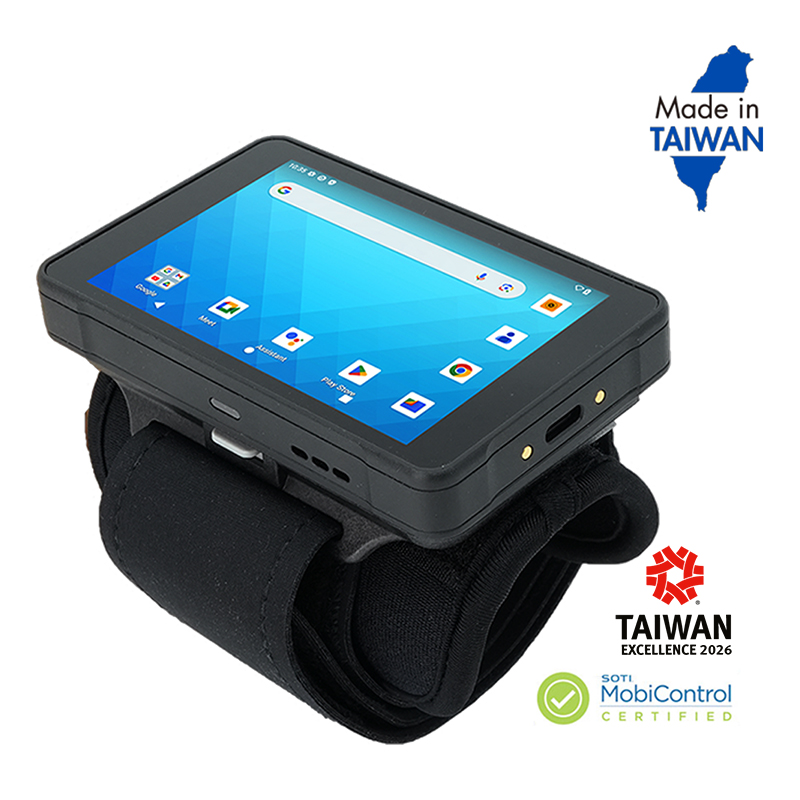
Wi-Fi 6 Technology | 123g with 2500mAh Battery | 2×2 MU-MIMO Wi-Fi