


How Setting Compliance Helps Enterprises Maintain Device Control


Copied to clipboard

|
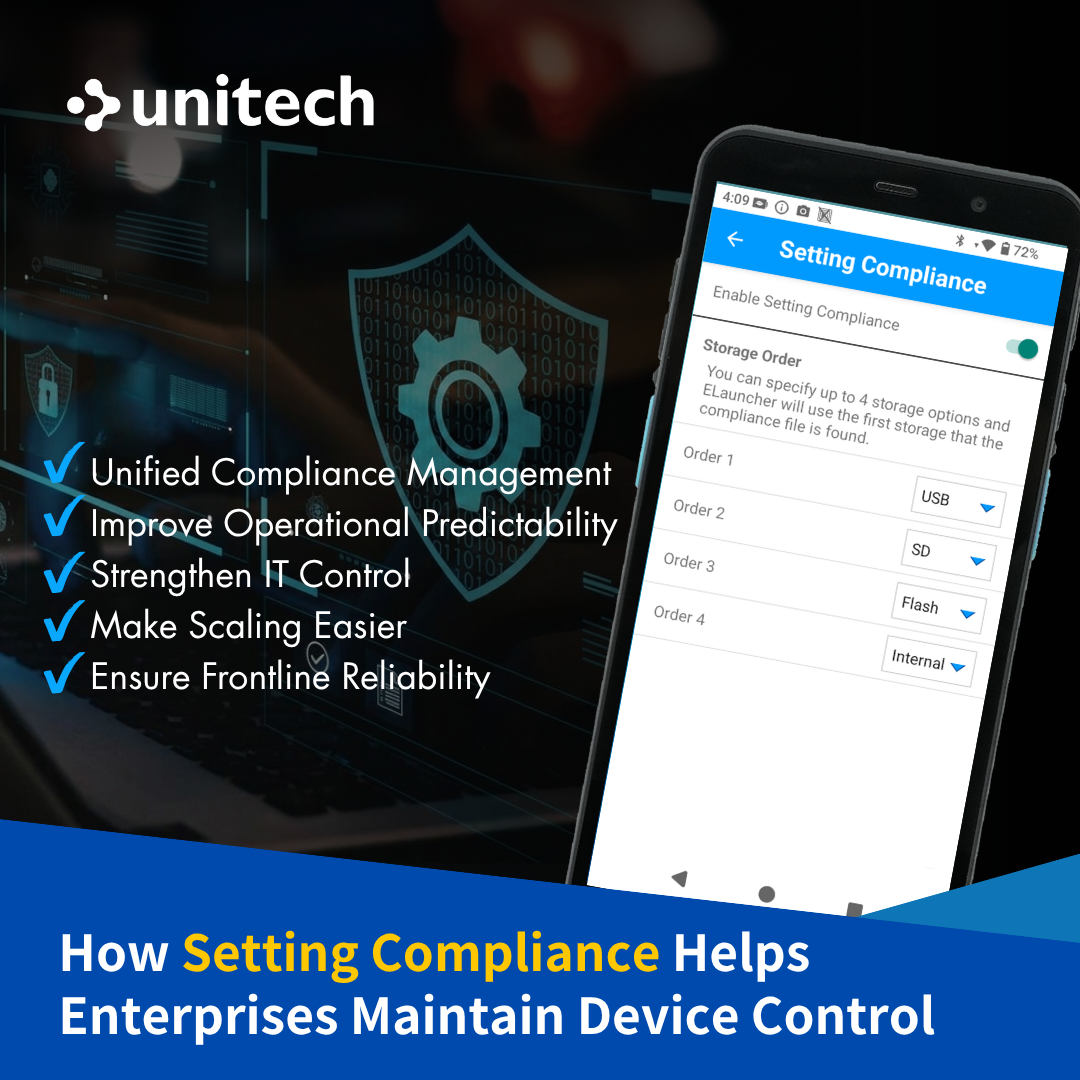
What Is Setting Compliance? Setting Compliance is a feature designed to protect app settings. By placing a preconfigured settings file in a designated folder, the app can automatically read and apply the settings. This feature is currently supported by Unitech ELauncher V2.0 or later and Unitech EBrowser V1.2 or later.
Why Setting Compliance Is Essential? For enterprises, app settings are more than basic preferences. They are an important part of access control, workflow consistency, and system usage. If settings are changed, deleted, or applied inconsistently across devices, apps may not function as intended, affecting operations and increasing IT workload. In daily operations, this may mean staff cannot quickly access the tools they need, workflows are interrupted, or devices behave differently across locations. Even with remote updates through MDM, manual steps may still be required, making it harder to ensure every device is configured correctly. Setting Compliance helps ensure devices stay in the intended configuration state by automatically restoring the correct settings and reducing the impact of unintended or unauthorized changes.
1. Unified Compliance Management A unified approach to setting compliance management helps reduce the learning curve for IT admins and deliver more consistent user experiences across organizations.
Create a more predictable device experience, making daily workflows easier to manage and less dependent on individual setup conditions.
Provide greater oversight of how devices are configured and used, supporting more effective policy execution across the organization.
4. Make Scaling Easier As device fleets grow, it becomes easier to maintain control without adding the same level of manual effort.
5. Build Confidence in Frontline Operations Give teams greater confidence that devices will behave as expected, helping support smoother day-to-day execution.
As device fleets grow, Setting Compliance gives enterprises a more efficient way to maintain control and support operational stability.
|
|
Strengthen Your Device's Management with Unitech Supported Solutions! |
|||
- Software Solutions -
|
|||
ELauncherMobile Application |
EBrowserMobile Application |
||
 |
(1).png) |
||