newsroom|How to Pair MS852B Series Scanners Using a Bluetooth MAC Address-Newsroom | Unitech Global | Your Brilliant AIDC Solution Provider
2026-11-02 FAQ Corner

How to Pair MS852B Series Scanners Using a Bluetooth MAC Address

Linkedin
Facebook
Twitter
Email
Copy

Copied to clipboard

FAQ Corner

How to Pair MS852B Series Scanners Using a Bluetooth MAC Address

Connecting barcode scanners to Windows PCs is an essential part of setting up workstations in retail, warehousing, and logistics. With the Unitech MS852B Series, users can generate a pairing barcode using the PC's Bluetooth MAC address to establish a direct Bluetooth connection.

Please click the picture for more details!
Step 1: Find Your Windows PC's Bluetooth MAC Address

Turn on Bluetooth and open Command Prompt. Enter "ipconfig /all", then find the Physical Address under the Bluetooth Device section.

For example: 38-87-D5-7E-81-FE

Step 2: Create and Scan a Pairing Barcode

Remove all hyphens (-) from the MAC address and add the "//.A" prefix.

For example: //.A3887D57E81FE

Generate the barcode and scan it with your MS852B Series scanner to start pairing.

Step 3: Approve the Bluetooth Pairing Request

When a pairing notification appears on your Windows PC, open it and select Allow to confirm the connection.

Once connected, the scanner's LED stays solid blue.

Where can I find the Bluetooth MAC address on a Windows PC?

Turn on Bluetooth, open Command Prompt, and enter "ipconfig /all". Find the Physical Address under the Bluetooth Device section.

What should I do after finding the MAC address?

Remove all hyphens (-) from the MAC address, add the "//.A"prefix, and generate a pairing barcode. Scan the barcode with your MS852B Series scanner, then approve the pairing request on your PC.


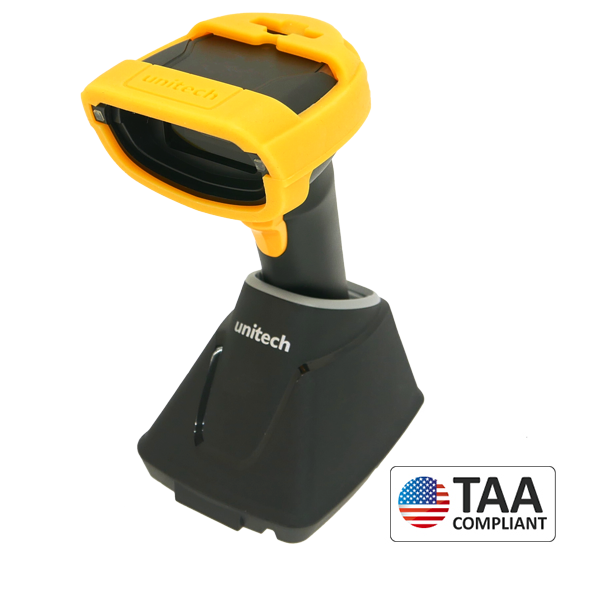
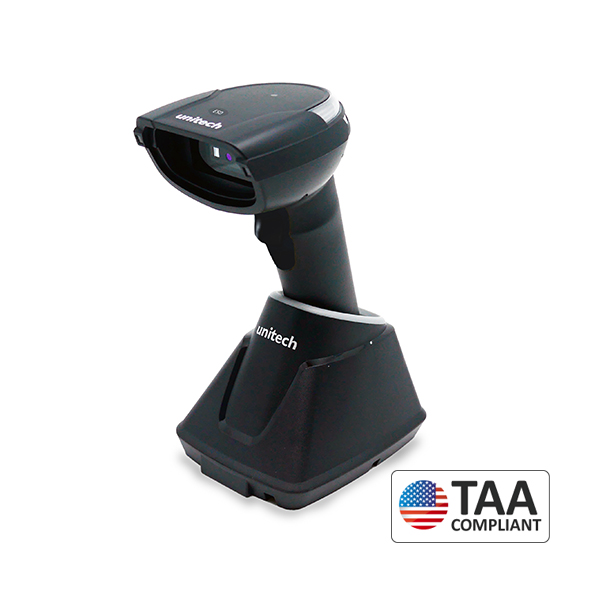
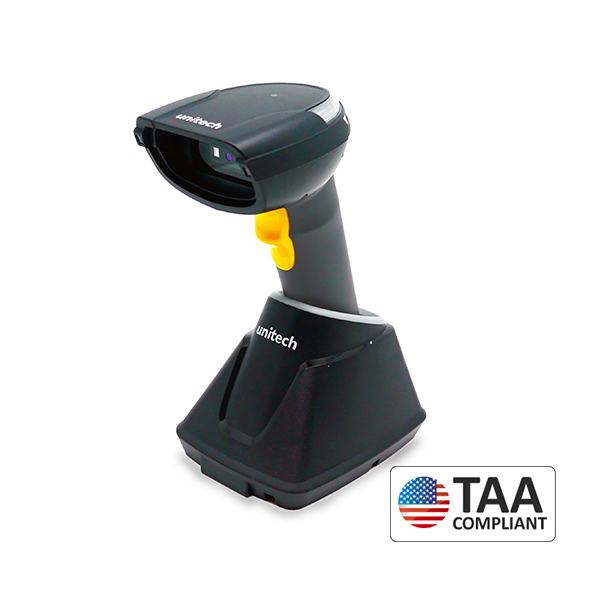
Explore the MS852B Series

Bluetooth 2D Imager Scanner

MS852B

Unitech MS852B Bluetooth 2D Imager Scanner
High-Performance Bluetooth Scanner

MS852B Plus

Unitech MS852B Plus Bluetooth Scanner
Bluetooth 2D Imager Ultra-Long-Range Scanner

MS852B LR

Unitech MS852B LR_Bluetooth 2D Imager Ultra-Long-Range Scanner
Bluetooth ESD-Safe 2D Imager Scanner

MS852B Plus ESD

Unitech MS852B Plus ESD_Bluetooth ESD-safe 2D Imager Scanner