


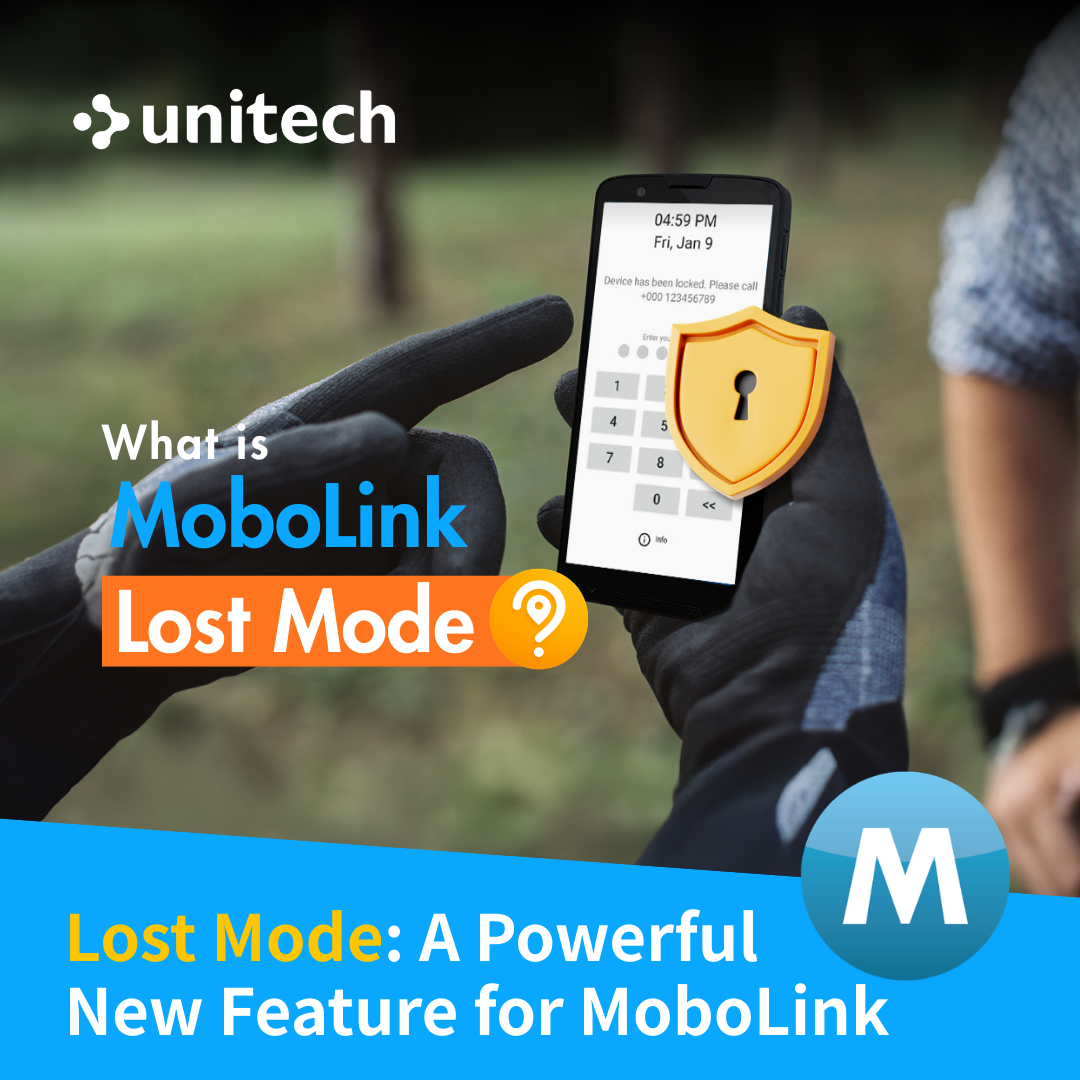
Lost Mode: A Powerful New Feature for MoboLink


Copied to clipboard

|
As enterprise mobility expands across frontline operations, handheld devices have become essential tools for productivity, communication, and data capture. However, when devices are lost, stolen, powered off, or disconnected, the consequences extend far beyond hardware replacement.
Operational downtime, data security risks, and asset loss can quickly escalate—especially when devices lack persistent protection and centralized control.
To address these challenges, MoboLink introduces Lost Mode, a powerful security feature designed to safeguard enterprise devices and maintain operational continuity even in unpredictable situations.
What Is MoboLink Lost Mode? Lost Mode is an advanced security feature that automatically safeguards enterprise devices when they are identified as lost, stolen, or operating outside trusted environments based on predefined security conditions.
When a Lost Mode condition is triggered—or activated manually—the device is immediately locked, access is restricted, and predefined recovery actions are executed. This helps prevent unauthorized use, protect sensitive corporate data, and maintain control over devices even when they are offline or out of reach.
Why MoboLink Lost Mode Is Essential for Enterprises? Existing device management measures often fail to maintain control when devices are no longer actively connected or accessible.
1. Proactive Protection: Security Defined by Your Policies With MoboLink, organizations can configure a dedicated Lost Mode profile tailored for industrial and enterprise environments. When a device leaves a designated zone or loses connectivity, predefined policies ensure the system responds immediately—reducing reliance on manual intervention.
The moment a rule is triggered, MoboLink initiates an immediate device lock. This action helps prevent unauthorized access, protects corporate data, and limits potential security exposure before issues escalate.
- Smart Rules: Flexibly configure trigger conditions aligned with operational scenarios and security requirements. - Instant Actions: Execute device locking, remote data wiping, or location tracking in a single workflow—ensuring continuous protection and control over enterprise assets.
|
|
Improve Your Device's Management with Unitech Supported Solutions! |
|||||
- Mobile Computers -
|
|||||
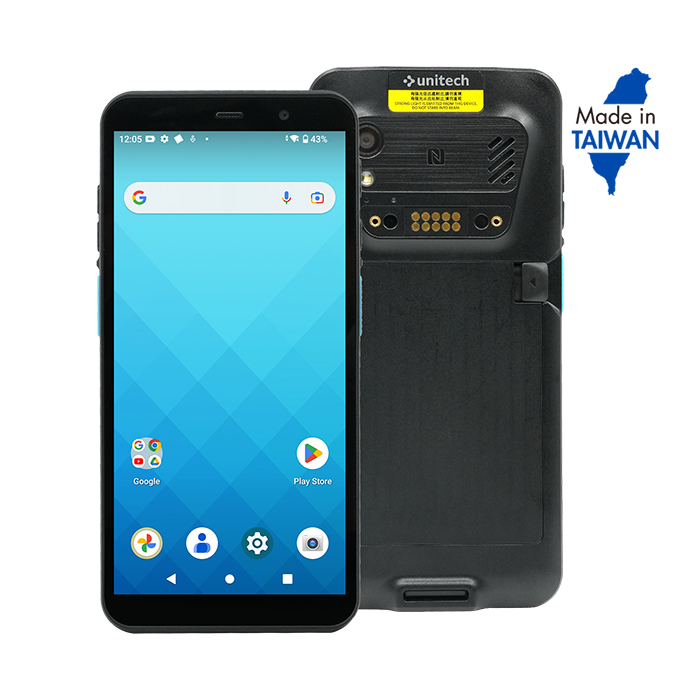
PA7685G Rugged AI Touch Computer |
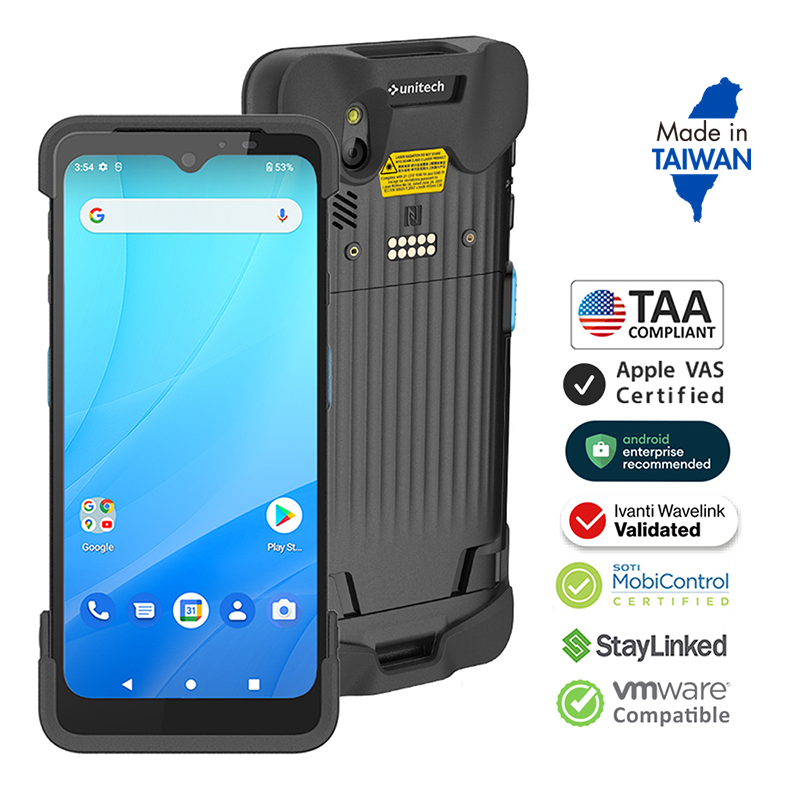
EA530Enterprise Mobile Computer |
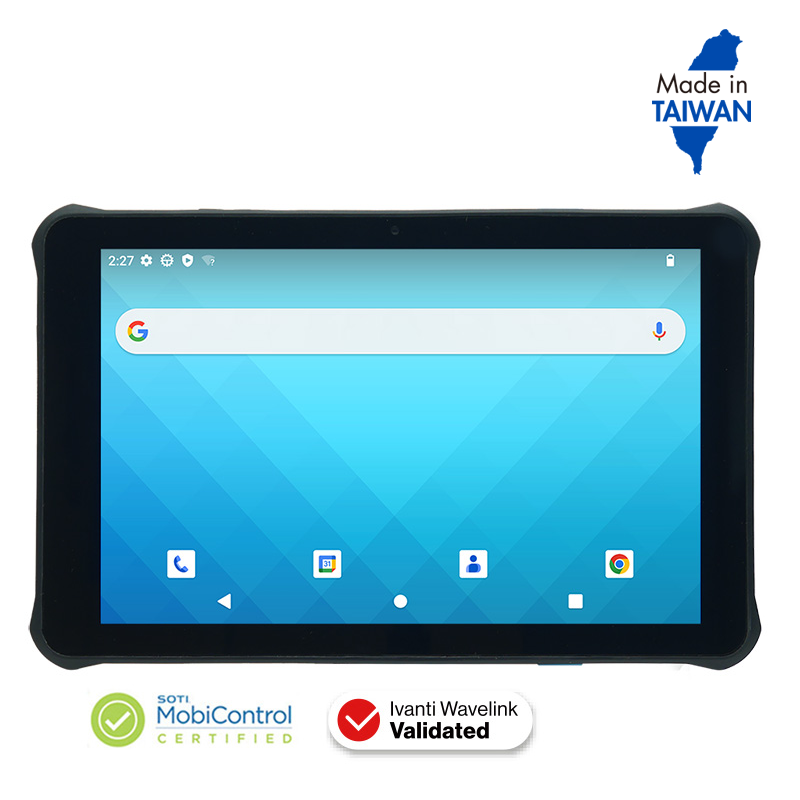
RT11210.1 Inch Android Rugged Tablet |
|||
 |
 |
 |
|||
| Other supported device models include PA768e UHF, EA660, EA520, HT730 Plus, HT330, and WD200 Plus. | |||||