


01 / SECOND DISPLAY
Work Beyond the Mobile Screen
Use Mirror or Desktop Mode to work on a larger screen.
 Hola, soy UU.
|


Copied to clipboard 
|
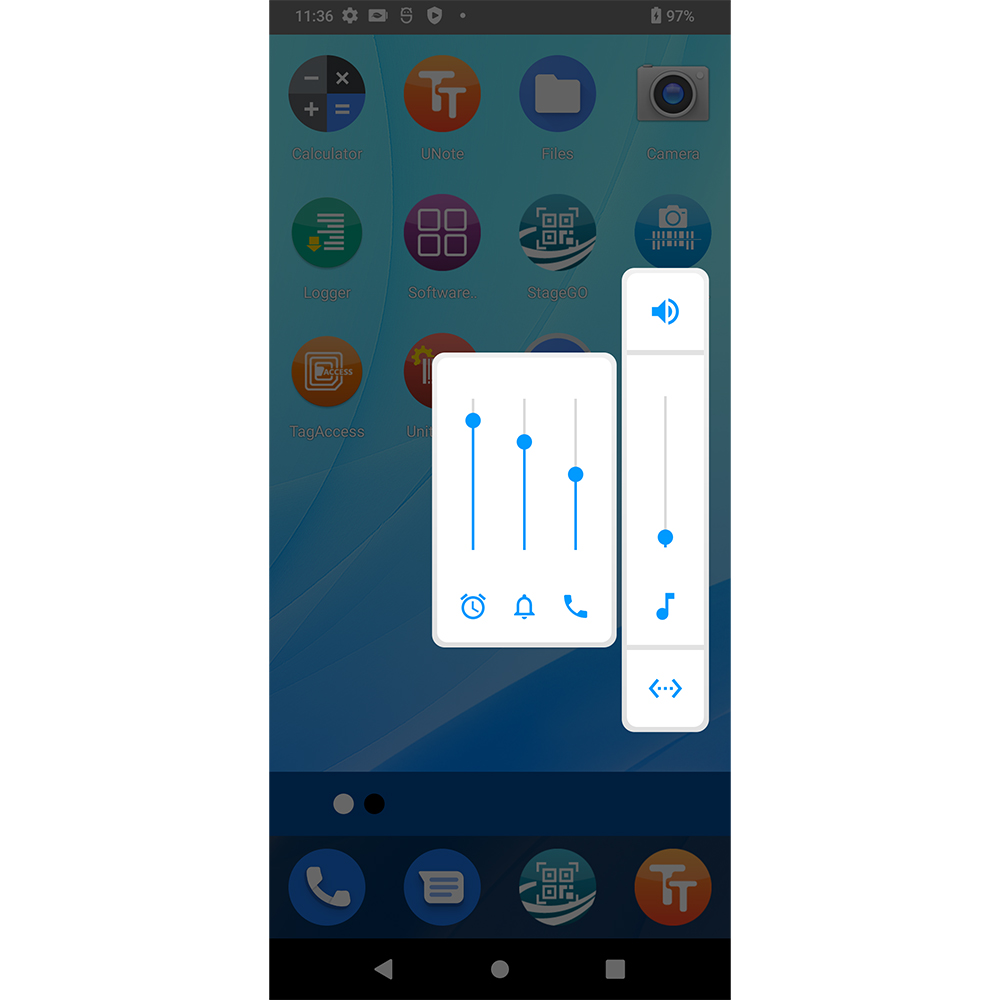
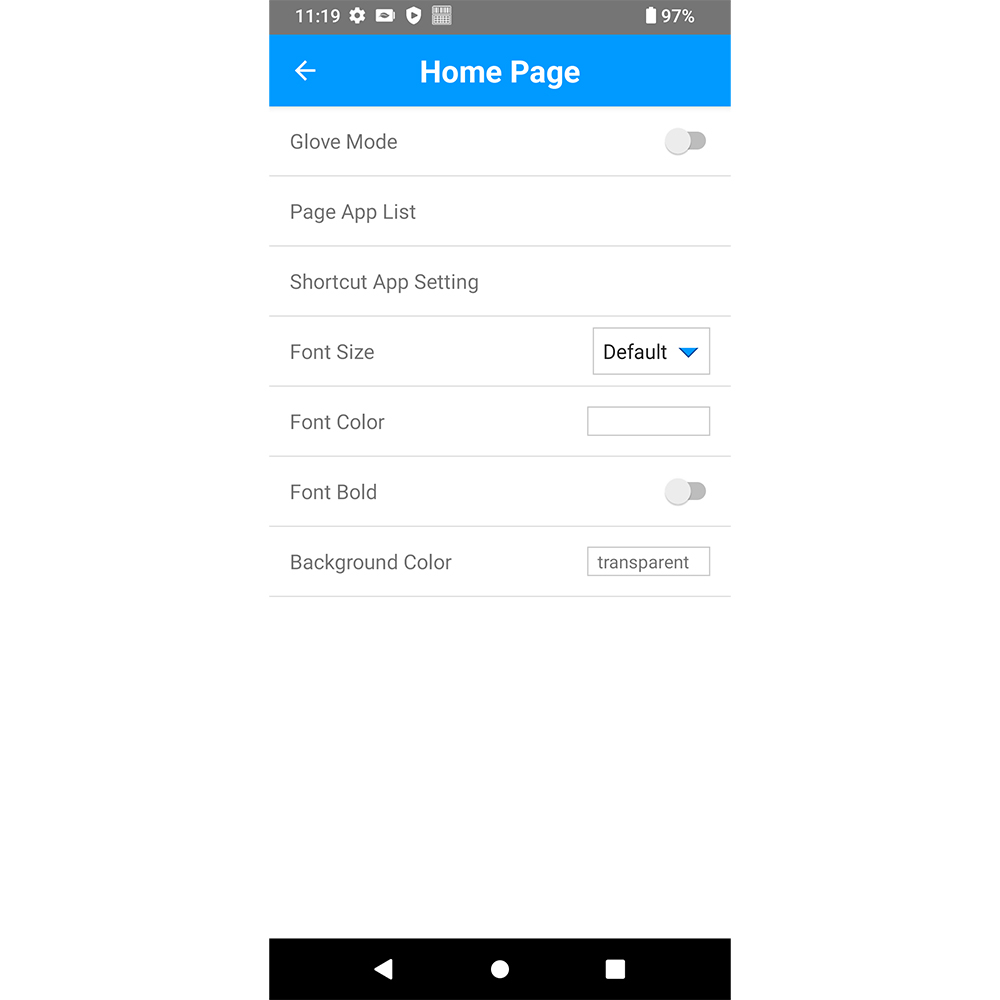
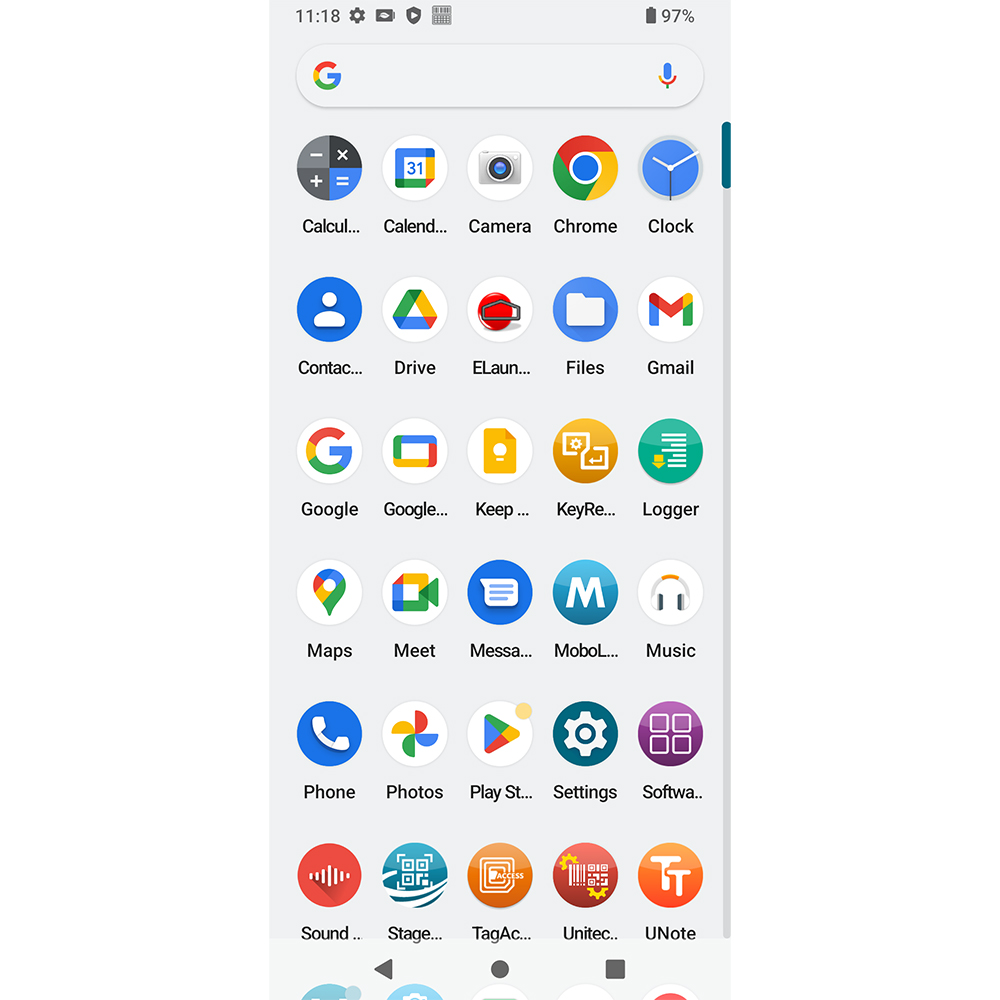
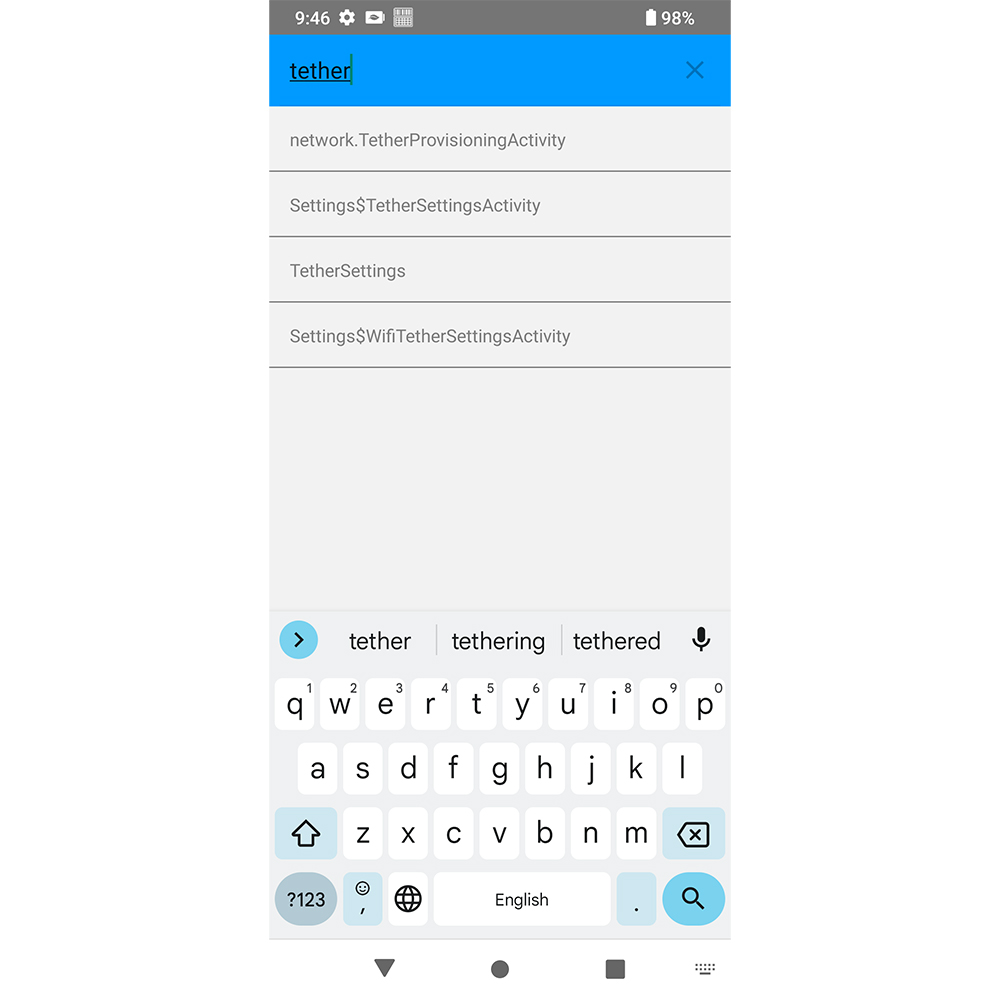
• Second Display Support – Choose Mirror Mode to display the PDA screen on an external monitor, or Desktop Mode for a desktop-like interface with a taskbar, multiple app windows, and keyboard and mouse support.
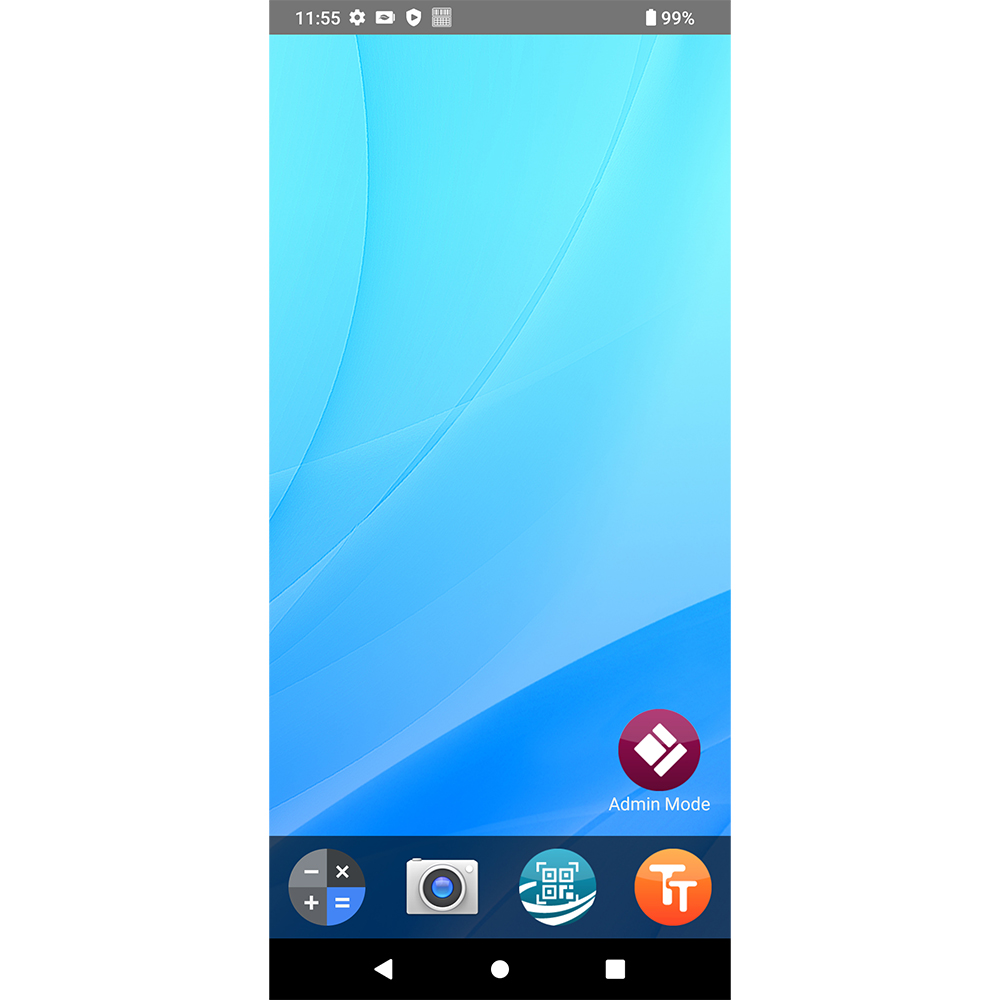
• Flexible Launcher & Kiosk Controls – Customize app access and device interfaces to support different enterprise workflows while keeping users focused on approved applications.
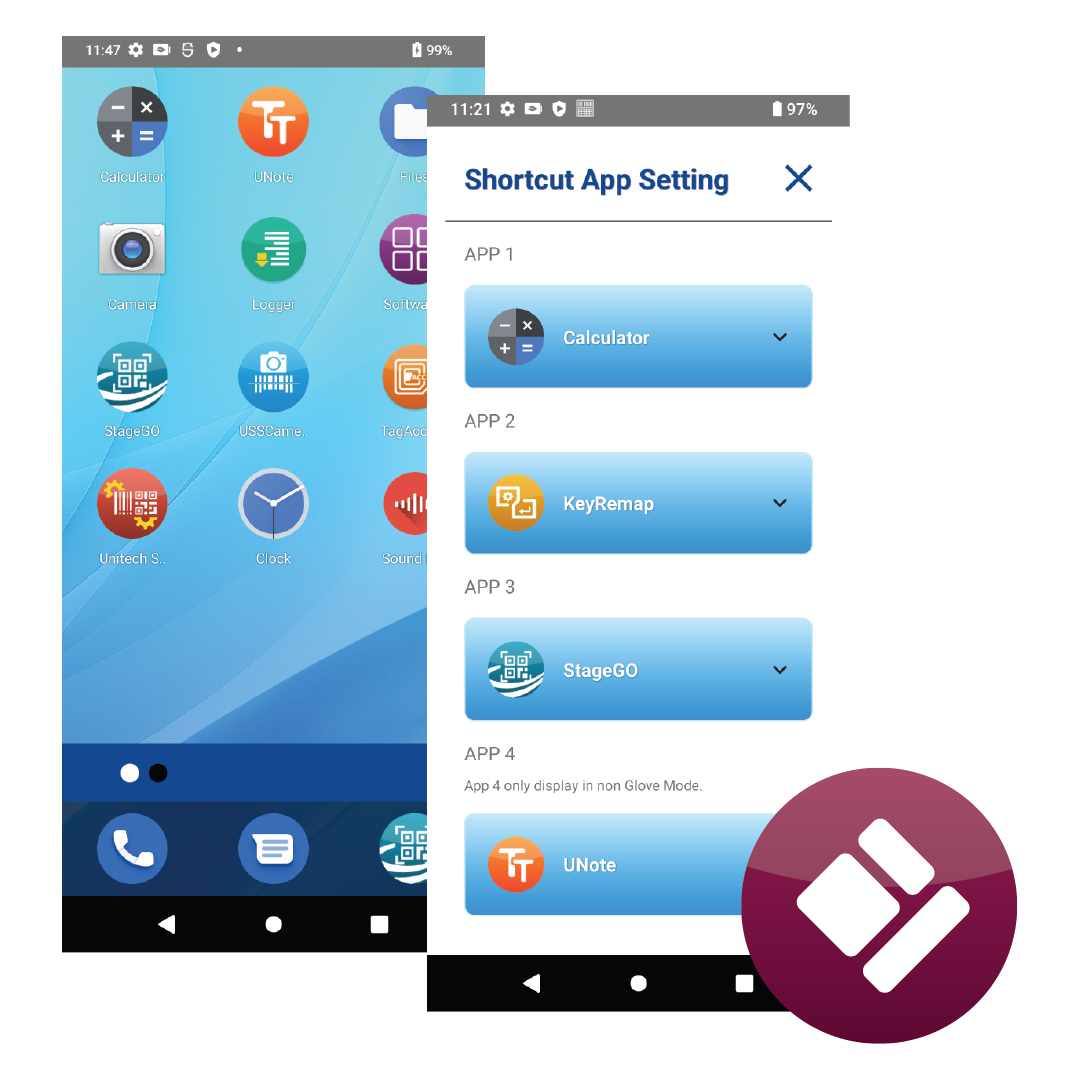
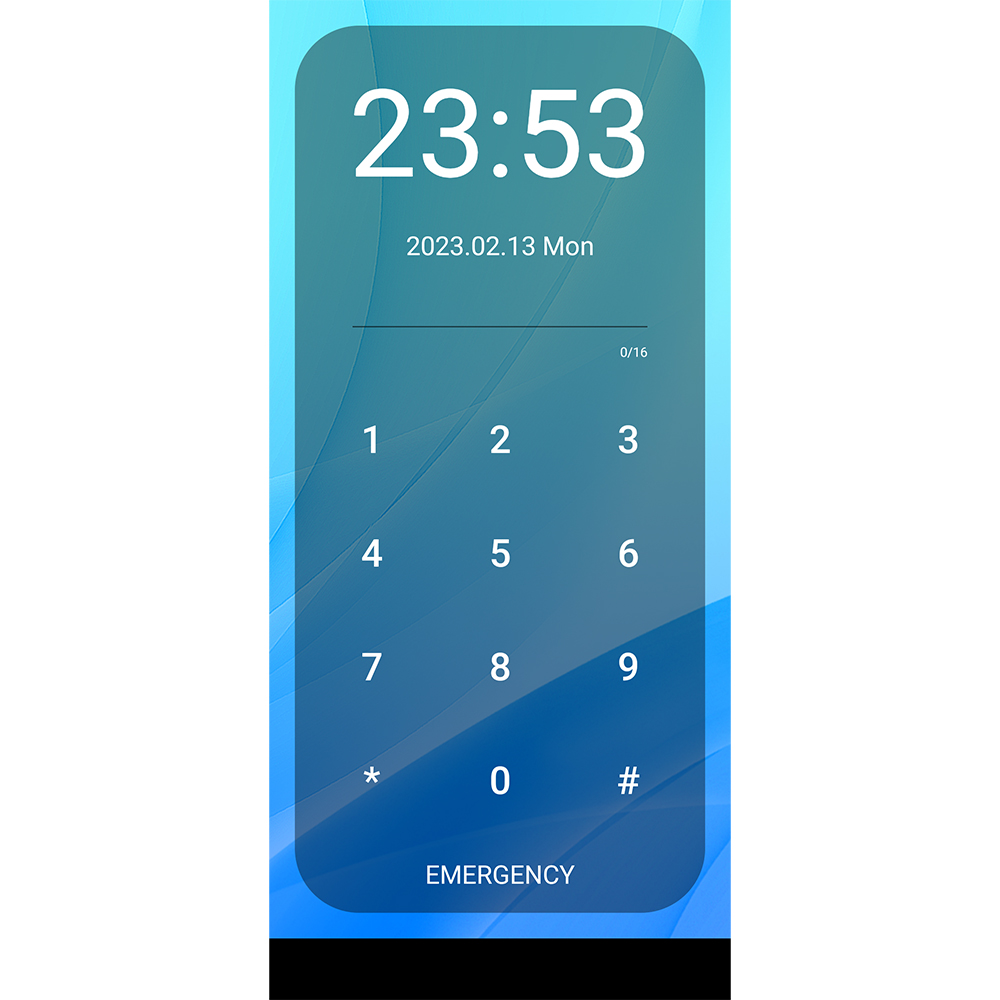
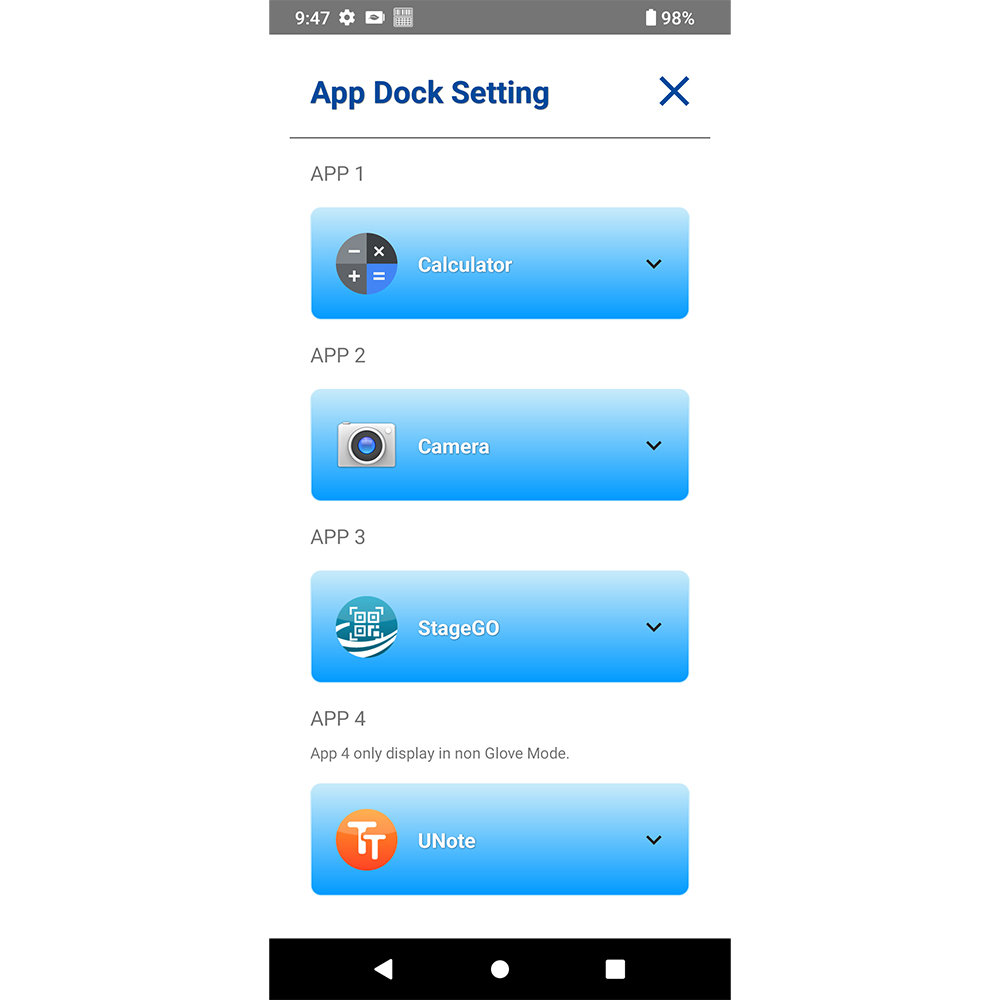
• Enhanced App Management & Device Security – Organize applications through App Dock and App Pages, manage device settings through Admin Mode, and apply access restrictions such as Recent Key Lock and Safe Mode Lock.
• Expanded Device & OS Compatibility – Support additional Unitech devices and Android versions, with an interface available in 13 languages.
01 / SECOND DISPLAY
Use Mirror or Desktop Mode to work on a larger screen.
02 / CONTROLLED WORKFLOWS
Access approved work apps and multitask through a desktop-style interface.
03 / EXPANDED SUPPORT
Expanded device and OS support, with 13 languages.
01 / Second Display support
Show the same PDA screen on the external monitor. A simple way to make on-device information easier to view.
Work with a desktop-like ELauncher interface, taskbar and multiple app windows. Connect a keyboard and mouse for a more familiar workstation experience, while maintaining ELauncher app access controls and settings on the external display.
02 / Duo Displays
In a Duo Displays configuration, the external monitor runs the ELauncher Desktop interface while the mobile device shows the Android home screen.
Operators can use approved applications on the larger screen, while administrators retain access to device settings through the mobile device or supported MDM workflows.
How to configure Duo Displays:
1. Set ELauncher as a non-default launcher.
2. In Android Settings, set Display Timeout to Never and Screen Lock to None.
3. Go to ELauncher Settings > Second Display, enable Second Display, and select Desktop Mode.
During warehouse onboarding, supervisors can mirror the PDA interface on a larger display to demonstrate scanning and inventory-check procedures.
At a dispatch desk, operators can use approved order and inventory applications in separate windows with a monitor, keyboard and mouse.
On the production floor, operators access approved applications on an external monitor while the Android device can be secured separately for administrator access.
Provide access to multiple work apps or limit devices to approved apps.
Restrict access to apps, settings, notifications and system controls.
Customize App Pages, App Dock, Dashboard and lockscreen controls.
Secure admin access, export settings and deploy configurations.
Block unauthorized app switching and Safe Mode workarounds.
Use Mirror or Desktop Mode with multiple windows and input devices.
Support additional device/OS combinations and 13 languages.
Browse supported models by device family.
| Model | Android OS | Second Display |
|---|---|---|
| PA760 | Android 10 | — |
| EA630 | Android 10 | — |
| EA520 | Android 11, 13 | — |
| EA630 Plus | Android 11, 12 | — |
| PA768 | Android 12, 14 | Android 14: MR4 or later |
| PA768e | Android 14 | — |
| EA660 | Android 13, 15 | Android 15: MR2 or later |
| EA530 | Android 15 | — |
| Model | Android OS | Second Display |
|---|---|---|
| WD200 | Android 10 | — |
| WD200 Plus | Android 13, 15 | — |
| Model | Android OS | Second Display |
|---|---|---|
| HT730 | Android 10 | — |
| HT330 | Android 12 | — |
| HT730 Plus | Android 14 | — |
Second Display is available only on the listed OS and firmware combinations.
For more details on feature support for your specific Unitech devices, please contact your Unitech representative.
| Features | ELauncher 2.0 | ELauncher 3.0 |
|---|---|---|
| Launcher & Kiosk Modes | ✓ | ✓ |
| App Management & Customization | ✓ | ✓ |
| Device Security & Access Controls | ✓ | ✓ |
| Second Display Support | — | ✓ Mirror & Desktop Modes |
| Duo Displays | — | ✓ |
| Device & OS Compatibility | ✓ | ✓ Added support for WD200 Plus (Android 15), EA660 (Android 15), EA530 (Android 15) & RT112 (Android 16) |
| Language Support | ✓ | ✓ Supports 13 languages |
ELauncher 3.0 introduces Second Display support for selected Unitech devices, including Mirror Mode and Desktop Mode. It retains the existing launcher and kiosk controls and adds device/OS compatibility and support for 13 languages.
Mirror Mode duplicates the PDA screen. Desktop Mode presents a desktop-like ELauncher interface on the external monitor. Duo Displays is a special Desktop Mode configuration that keeps the Android home screen on the mobile device and ELauncher Desktop on the monitor (it is not a separate Display Mode option).
Second Display Support is available on selected Unitech devices, including PA768, EA660, and RT112, with compatible Android versions and firmware.
